
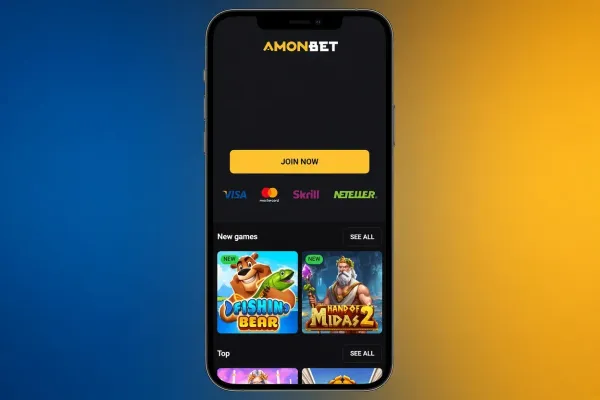
Amonbet has an Android app, so you can play from an Android phone without a computer. The Amonbet app for Android sits alongside an iPhone app and a mobile site that opens in your browser, which makes three ways in altogether.
All three reach the same casino, so the choice comes down to how you like to use your phone: a dedicated app on the home screen, or a browser tab you can close and forget. If you are not sure, the app overview compares the options side by side.
Playing Amonbet on an Android phone
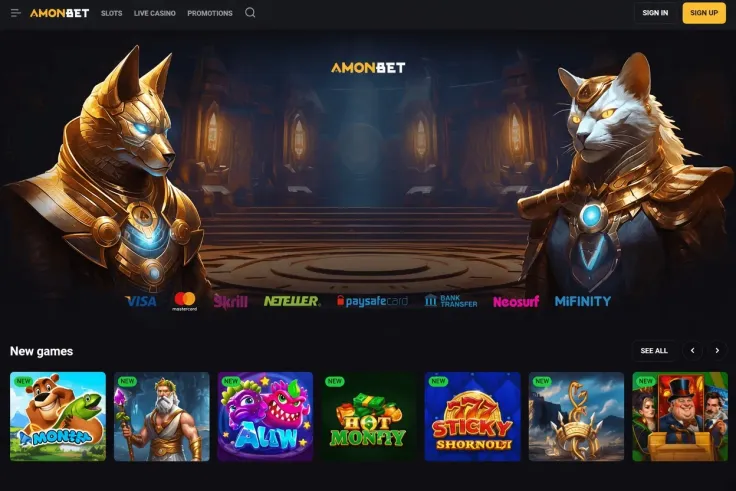
On Android you have two ways in: the app, or the mobile site in your browser. Both give you access to the casino from your phone, so you do not need a computer to play.
The practical difference from a desktop is the screen. A phone shows less at once, and you scroll more. Buttons sit closer together, so it pays to slow down and check what you are tapping, especially on a payment screen. If your phone has a small display, the mobile site may be easier to read in landscape.
If you do not yet have an account, the sign-up page explains how registration works. If you already have one, the login page covers signing in on a new phone.
Installing the app

Install the app only from a source you trust. Never install a casino app from an unknown website, from a link in a message, or from a file somebody sends you. If you cannot find the app through a source you trust, do not install anything and use the mobile version in your browser instead.
Before you install, check that your phone has enough free storage, that the system is up to date and that a screen lock is switched on. After installing, open the app and look at the permissions it asks for. An app that asks for access that has nothing to do with playing is a reason to stop and uninstall it.
Keep the app updated, in the same way as the rest of your phone. If you stop using it, remove it. An app you no longer play from is simply one more thing on your phone that holds your login.
Practical points on your phone

Use a screen lock, and do not let your phone save your casino password where other people can reach it. If the phone is shared with family or friends, play in the browser and sign out afterwards, so nobody else can open your account.
Mobile data is worth a thought. Playing on a mobile connection uses data, and live casino video uses more than a simple slot, so check your allowance if you are not on Wi-Fi. A public Wi-Fi network is a poor place to log in or to make a payment.
Set your limits before you play. If your account has deposit limit or time-out tools, use them on day one, and set the amount at what you can comfortably afford to lose. Phones make it quick to pay in, which is the reason to decide the amount in advance. If you want to know more about the tools available, the safer gambling page is a good place to start.