
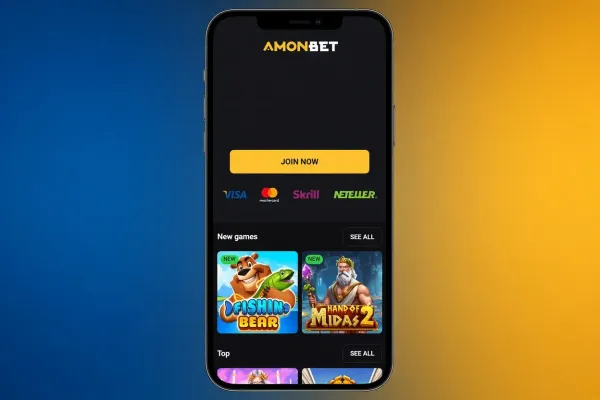
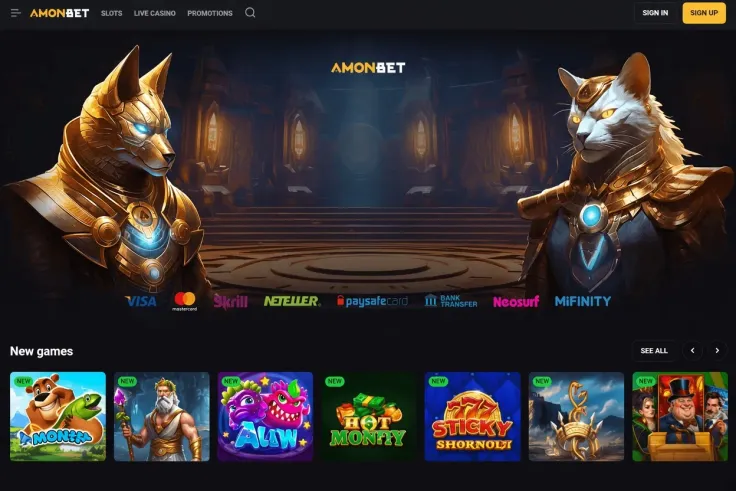
Amonbet mobile works in your phone's browser, and Amonbet also has an iPhone app and an Android app. The mobile site is the simplest way in because it needs no installation: you open the website, log in and play on the same screen you already use every day.
This page explains what to expect from Amonbet mobile, how it compares with playing on a computer and what to check before you play on a phone.
What you get on a phone

The mobile version of Amonbet is the website adapted to a smaller screen. You reach it by opening your browser and going to the Amonbet website, exactly as the steps above describe. There is nothing to update and no storage space to give up, which suits anyone who plays only now and then or uses a shared or older device.
A phone screen is smaller than a monitor, so you see less at once and scroll more. Read what is on screen before you confirm anything, particularly in the cashier: a mistyped amount is easier to make with a thumb than with a keyboard.
If you want more room to read the rules of a game, a tablet or a computer gives you that. For quick sessions, a phone is usually enough.
If you plan to sign up from your phone, the sign-up guide covers what you need to have ready, and the login page explains how returning players get back into an account.
Apps for iPhone and Android

The mobile site is not the only option. Amonbet has a native app for iPhone and another for Android, and each has its own page on this site: the iPhone app page and the Android app page. The general app overview compares them.
On an iPhone, the place to look for an app is the App Store. Search for the brand there and install only the app that clearly belongs to Amonbet. On Android, follow the guidance on the Android page for how to get the app. Do not install an app from a file sent to you in a message, an advert or a website you do not recognise. An app from an unknown source can carry malware, and it gives you nothing the browser version does not.
An app is not required to play. If you are unsure, start with the browser version and add the Home Screen shortcut from the steps above. You can switch to an app later if you find you would use it often. Whichever you choose, the account you log in to is your Amonbet account, so the same password and security habits apply.
Keeping your account secure on a phone

A phone is easy to lose and easy to pick up, so start with a screen lock. A passcode, fingerprint or face unlock stops someone else from opening your browser and finding a logged-in casino account. Do not share the phone with other people while you are logged in, and log out when you finish if anyone else might use the device.
Think about the connection too. Public Wi-Fi in cafes, stations and hotels is open to many people, so avoid logging in or making payments over it. Your own mobile data or a home network is safer. Mobile data does count against your allowance, so check your plan if you tend to play for long stretches or use live games, which stream video.
Only enter your Amonbet password on the Amonbet website or in its app. Be wary of texts, emails or social media messages that contain a login link, since fake pages can copy a real site. If you are unsure, type the address into your browser yourself. Let your browser or a password manager save the password rather than writing it in your notes, and use a password you do not use anywhere else.
Finally, set your limits before you start playing. If the account offers deposit limits or time-outs, decide on an amount and a time you are comfortable with while you are calm, not in the middle of a session. Playing on a phone makes it easy to open the site at any moment, so a limit set in advance does more work than good intentions. If gambling stops feeling like entertainment, the safer gambling page lists where to find help.